
AirMini Bluetooth
Steps to pair your ResMed AirMini to your smart device
Activate Bluetooth on the AirMini:
- Press the Bluetooth button on the AirMini for at least 3 seconds.
- The Bluetooth indicator light should start flashing blue, indicating it's ready to pair.
Connect via the AirMini App:
- Open the AirMini app on your smartphone.
- If prompted, allow the app to use Bluetooth.
- Tap "Connect" within the app.
- Select your AirMini machine from the list of available devices.
- Follow any on-screen prompts, including entering the four-digit key found on the back of the AirMini if required
A video here to show you the steps: https://youtu.be/u4V7jAqhkig?si=Ongr7QuVoC1hSg4p
Download the latest version of the ResMed AirMIni app below:


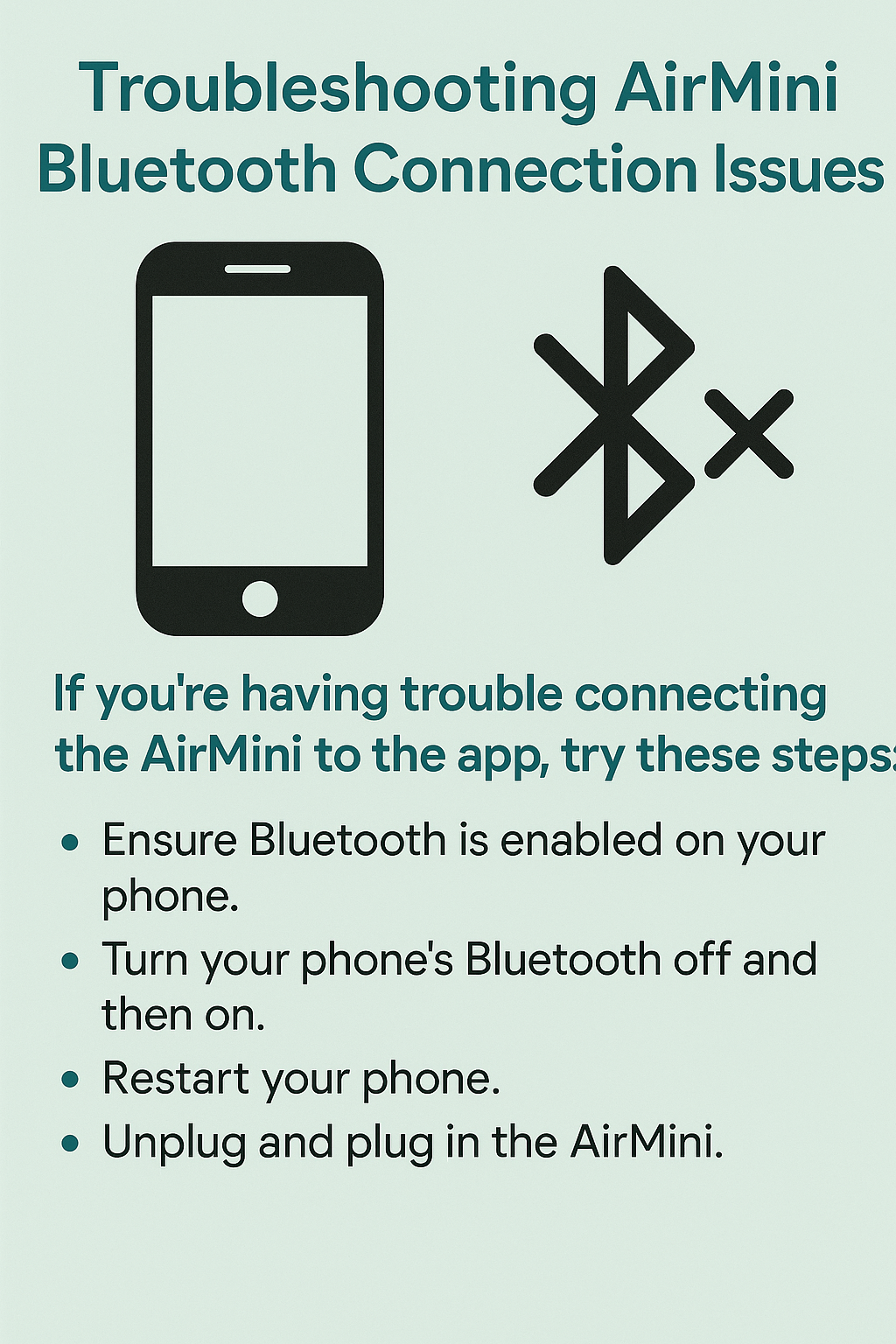
AirMini Bluetooth Troubleshooting:
If your brand new ResMed AirMini is repeatedly disconnecting from Bluetooth during the night, these issue may stem from a few common causes:
Common Reasons for Bluetooth Disconnection
-
Power Cycling Requirement
Many users have found that the AirMini sometimes fails to reconnect unless it's unplugged and plugged back in.
-
App or Firmware Bugs
Outdated firmware or app versions can cause instability. Ensuring both the AirMini app and your device firmware are up to date is crucial.
-
Bluetooth Interference
Other nearby Bluetooth devices (like smartwatches, earbuds, or even Wi-Fi routers) can interfere with the connection. Keeping your phone within 1 metre and minimizing other active Bluetooth devices may help .
-
Sleep Mode or Battery Optimization on Phones
Some phones disable background Bluetooth connections during sleep to save battery. Check your phone’s battery settings and disable any sleep optimization for the AirMini app.
-
App Crashes or Bugs
The AirMini app may have failed to maintain a connection overnight. Restarting the app or reinstalling it may help.
Troubleshooting Steps
Here are some things you can try:
- Unplug and replug the AirMini before bed to reset the Bluetooth module.
- Update the AirMini app and your phone’s OS.
- Forget and re-pair the device in your Bluetooth settings.
- Disable battery optimization for the AirMini app.
- Keep your phone close to the AirMini during the night.
- Check for firmware updates via the AirMini app