How to manually transmit your sleep data on SleepStyle CPAP
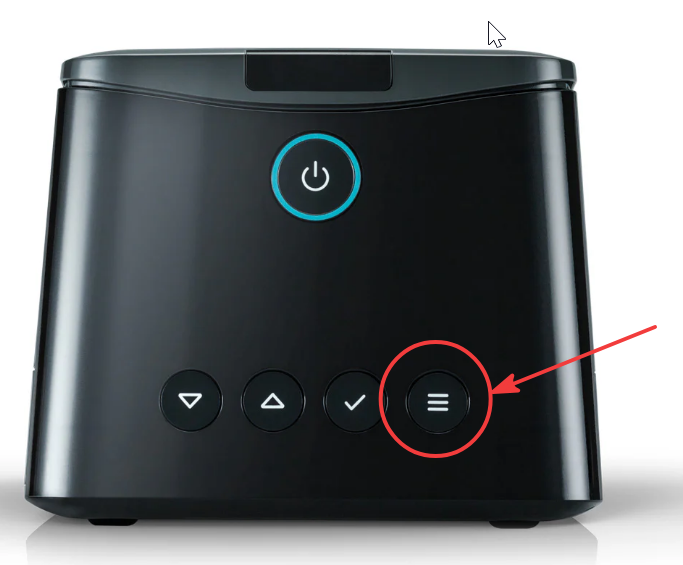
To transmit your sleep data manually, on the front of the Sleepstyle machine, hold the MENU button down for a few seconds (last button with the red arrow), a screen should come up to allow you to send the data manually. Use the arrows on the machine to select the TICK box to send the data. Once it has sent, there will be a message on the screen to confirm the data has been successfully been sent.
Here is a quick video on procedure: https://cdn.shopify.com/videos/c/o/v/a0ccf9302d2947c380d065721e2c6ddb.mp4
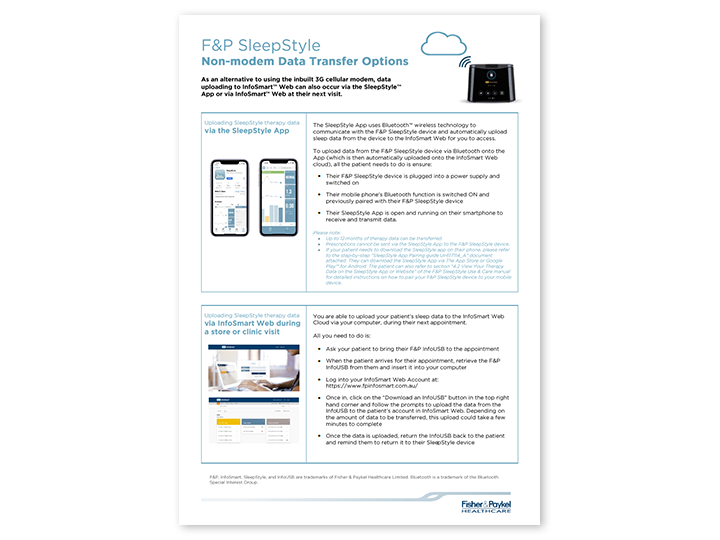
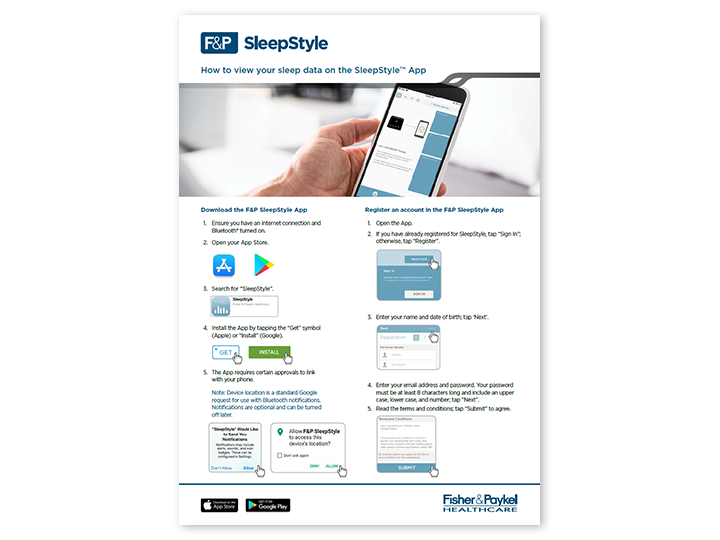
If your data is not transmitting you can also transfer the data by connecting your Sleepstyle machine to the Sleepstyle app or using alternative data transfer options. Information on these options can found below: